01
Manage
Set up the bot, control staff access, manage data, and keep server settings safe.
- Plugin Status
- Server Settings
- Permissions
- Dashboard Access
- Data Management
- Audit Log
- Backups
- Server Stats
- App Personalizer
- Tickets
 GRALLEMOLE
GRALLEMOLE
Manage moderation, protection, community tools, analytics, automations, and more from one straightforward dashboard.
One bot. One dashboard. Enable only what your community needs.
Why GRALLEMOLE exists
GRALLEMOLE started as a bot built for one community. Instead of adding another separate bot whenever something was missing, the tools were built into one system.
Today, moderation, protection, engagement, analytics, automations, server management, and more are available through one bot and one dashboard.
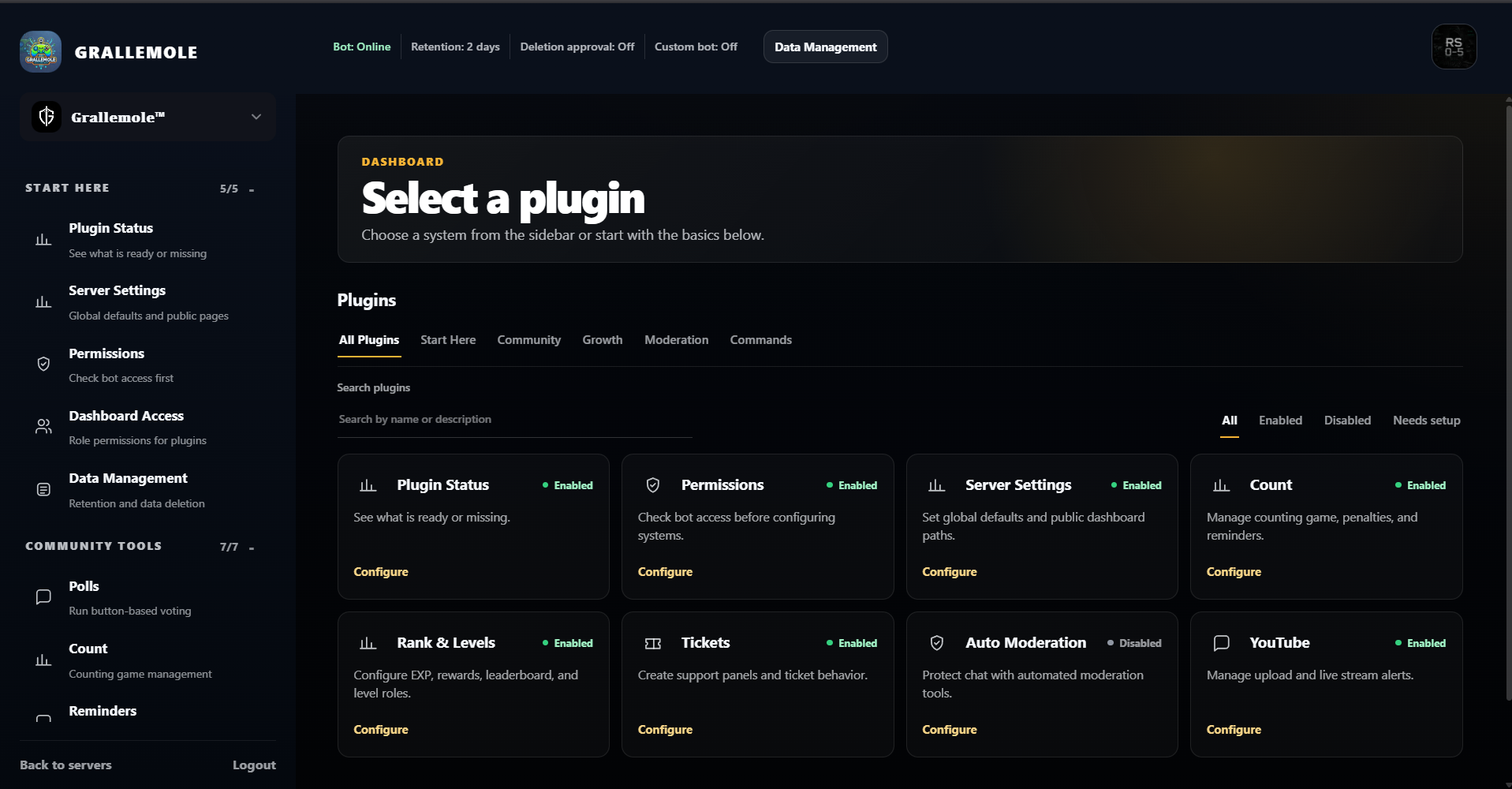
Real dashboard preview
Open the real dashboard, browse every plugin, and try settings directly in your browser. No Discord login or server access is required.
A simpler setup
Keep permissions, settings, activity, and server tools in one consistent place.
Approximately 32 systems and plugins
Set up the bot, control staff access, manage data, and keep server settings safe.
Keep chat, members, and voice channels protected with tools that work together.
Give members more ways to participate without adding several separate bots.
Understand community activity and automate repetitive work.
Useful control
Try the real dashboard before connecting a server.
Choose the plugins that fit your community and leave everything else disabled.
During setup, choose how long server data remains after GRALLEMOLE is removed—from 1 to 180 days. When the selected period ends, the server data is automatically deleted.
Removed May 7 at 18:30 + 7-day retention → deletion May 14 at 18:30.Recommended setup
Before changing plugins, decide how long server data remains after the bot is removed.
See what is ready and what still needs attention.
Make sure GRALLEMOLE has the access required for your selected tools.
Configure moderation and member protection first.
Enable levels, polls, reminders, economy, or other systems your members will use.
Use analytics and audit information to adjust the setup over time.
Setup examples
Start with what your community needs and add more when it becomes useful.
Set it up your way
Explore the dashboard, choose the tools your community needs, and manage everything from one place.